
Your Files
IMG_2901.jpg
Stays on your disk — read locally only
Permanently free · unlimited · local-first
Organize 500+ files in seconds with a private, browser-native workflow. No upload, no cloud, no compromise — your files never leave your device.
Workflow
Three local steps from messy files to organized names.
Drop or pick a batch — everything stays in browser memory, never uploaded.
Apply patterns, RegEx, or Smart OCR and review every rename before you commit.
Confirm once — rename in place when you pick a folder (Chrome/Edge), or export a ZIP for uploaded files.
Trust & Security
Local-first by design — rename, preview, and apply without sending a single byte to our servers.
Stays on your disk — read locally only
No upload endpoint · no remote copy
Blocked ✕Files are read locally in your browser and processed in memory — never transmitted over the network.
After the first load, rename batches without an internet connection — ideal for air-gapped environments.
Local processing: Rename logic, OCR, and previews run in your browser tab using WebAssembly and in-memory buffers — not on a remote VM.
No backend for files: We do not operate an upload endpoint for your documents. There is no server copy to breach, subpoena, or leak.
You control apply: Every batch requires explicit confirmation before renames are applied and exported. Preview first, apply when ready.
Built for high-volume, real-world batches.
Rename thousands of files with pattern templates, RegEx find & replace, and local Smart OCR — all with live previews before you apply.
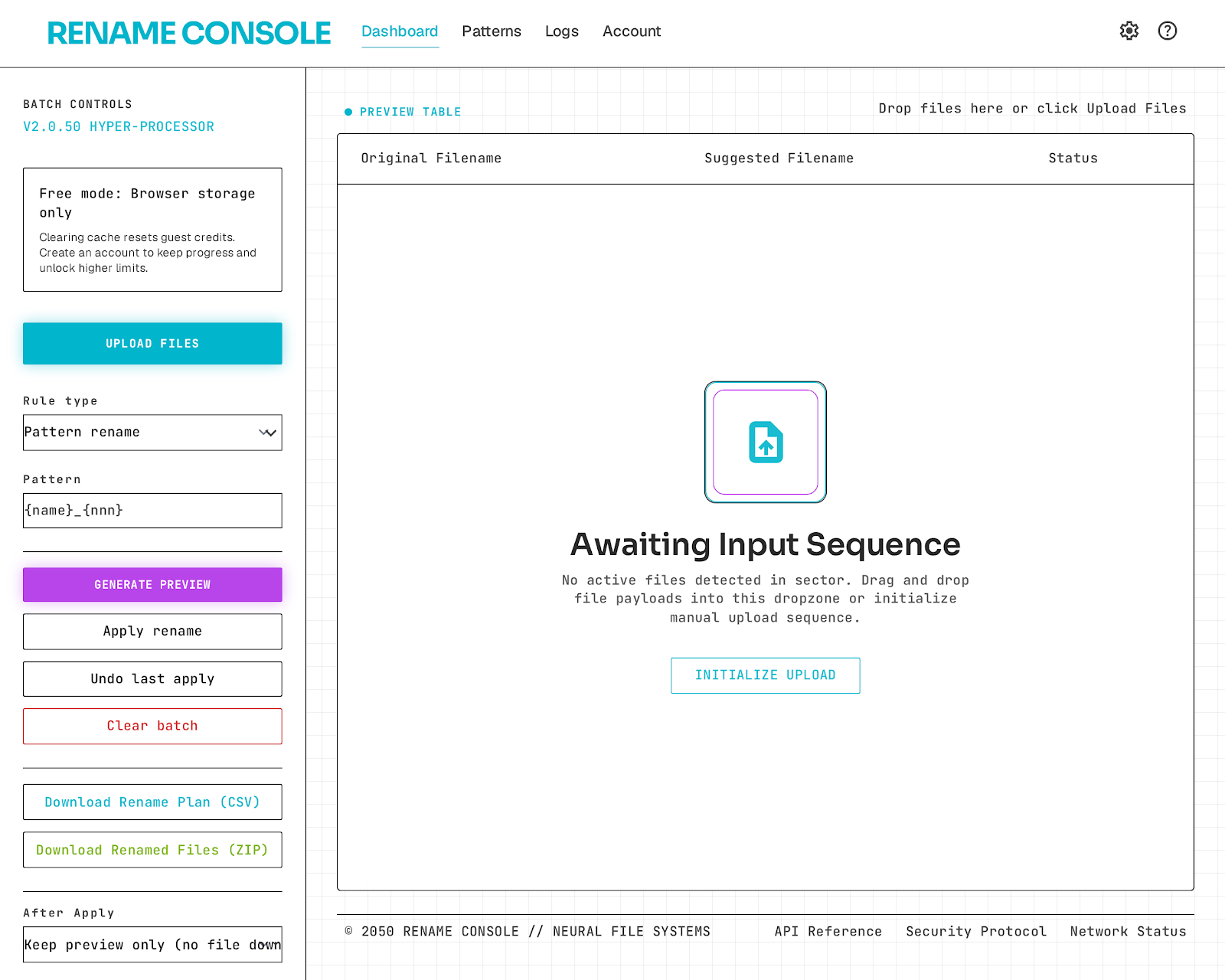
Smart sort command center
Content-aware, local-only automation that sorts a messy batch into clean destinations — no cloud, no leaks.
Try Smart SortFAQ
No. File reads and renames run inside your browser session only. Nothing is uploaded to a server.
Yes. Smart OCR scans text locally and proposes names from extracted dates or labels before you approve.
Conflict detection blocks duplicates and shows a clear warning row before any rename executes.
Yes. The active session keeps the rename map so you can roll back the last apply instantly.
Yes. Smart Bulk Renamer is permanently free with unlimited use — no subscription, no paid plan, no file cap, and no sign-up. It runs in your browser on Windows, Mac, and Linux.
Download the files you want to rename, drop them into Smart Bulk Renamer, apply your naming rules, then re-upload the renamed batch to Google Drive — all processing stays local in your browser.
Yes. Smart Bulk Renamer is a browser-based online bulk renamer, so it works on Android and iPhone as well as desktop. Open the tool in your mobile browser, choose the files you want to rename, preview the new names, and apply — no app install required. A laptop or desktop is still easiest for very large batches.
Yes. Smart Bulk Renamer is a fully online bulk renamer with nothing to download. It runs entirely in your browser, so you can rename files online on any device while your files stay local and private.
Open Smart Bulk Renamer, add the files you want to change, and choose a rule such as a naming pattern, find and replace, or sequential numbering. Preview every new name in the live list, then click Apply to rename all the files in a single batch.
Use Smart Bulk Renamer in your browser. Drag in a batch of files, set your renaming rule, check the live preview, and apply. It renames multiple files online without uploading anything to a server.
Yes. Smart OCR runs in the browser, so it works on modern smartphones as well as desktops. It reads text and dates from your files locally to suggest names, and you confirm each suggestion before anything is renamed.
There is no file cap. Rename as many files as you want, as often as you want. Because everything runs locally in your browser, speed depends on your device rather than a paid plan or a server quota.
No. Smart Bulk Renamer is a no-install, no-sign-up online bulk renamer. Just open the page in any modern browser on Windows, Mac, Linux, Android, or iPhone and start renaming.
Organize your desktop, projects, and invoice folders with one local-first workflow.
Open tool